Dockerizing Next.js Apps and Deploying to Kubernetes on AWS EKS
A complete guide to containerizing a Next.js application with Docker, setting up a Kubernetes cluster on AWS EKS, and deploying with zero-downtime rolling updates and horizontal pod autoscaling.
By POINTNEXIS Team
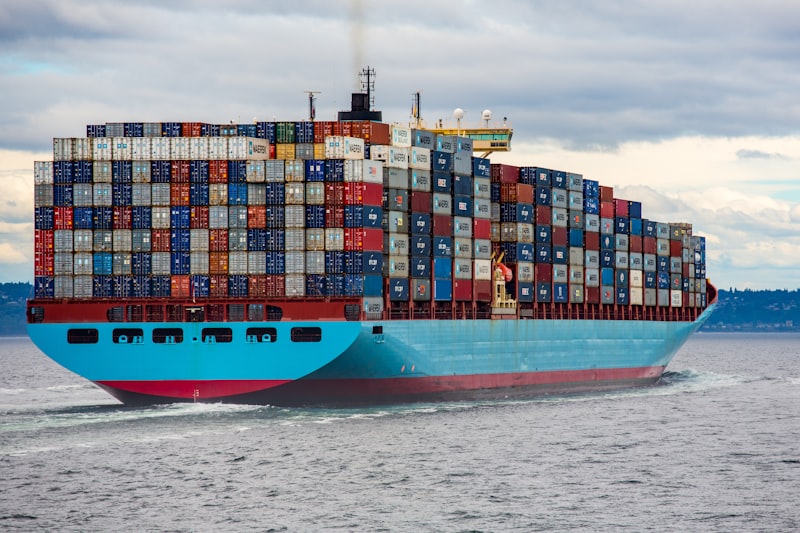
Containerizing a Next.js app and deploying it to Kubernetes gives you consistent environments, horizontal scaling, and a deployment model that handles traffic spikes gracefully. The learning curve is real, but the operational benefits compound as your product grows.
This guide walks through the minimal but correct setup for a production Next.js deployment on AWS EKS — not a toy Kubernetes tutorial, but the architecture used for apps handling real load.
Multi-Stage Dockerfile for Next.js
A multi-stage Dockerfile separates the build environment from the production runtime, keeping the final image small and attack-surface minimal. Stage 1 installs dependencies and builds the Next.js application. Stage 2 copies only the standalone output and sets a non-root user.
Use Next.js `output: 'standalone'` in `next.config.mjs` — it produces a self-contained Node.js server with only the required files. The resulting Docker image is typically 150-300MB versus 1GB+ with a naive single-stage build.
AWS EKS Cluster Setup
Provision the EKS cluster with `eksctl` or Terraform. Use managed node groups with auto-scaling (min 2, max 10 nodes) across three Availability Zones for high availability. Enable the VPC CNI plugin, CoreDNS, and kube-proxy add-ons.
Create a dedicated IAM role for the node group with the minimum permissions needed. Use IRSA (IAM Roles for Service Accounts) to give pods access to S3, Secrets Manager, or other AWS services without embedding credentials.
Deployment, Health Checks, and Rolling Updates
Define a Kubernetes Deployment with `replicas: 3`, `maxUnavailable: 0`, and `maxSurge: 1` for zero-downtime rolling updates. Set liveness and readiness probes on the `/api/health` endpoint — Kubernetes will not route traffic to a pod until it passes the readiness check.
Horizontal Pod Autoscaler (HPA) scales replicas based on CPU and memory metrics from the Kubernetes Metrics Server. Set target CPU utilization at 60% — this leaves headroom for traffic spikes before the next pod comes online.
Secrets and Configuration Management
Store secrets (API keys, database credentials) in AWS Secrets Manager and reference them in pods via the External Secrets Operator — never in environment variables baked into the Docker image or committed to git.
POINTNEXIS DevOps setups use separate namespaces for staging and production with network policies that prevent cross-namespace traffic. Helm charts package the Deployment, Service, HPA, and Ingress configuration for repeatable deployments across environments.