Mobile App Performance Optimization: Reducing Launch Time and Memory Usage
Practical techniques for cutting cold-start time, reducing memory footprint, and eliminating jank on iOS and Android — the performance fixes that have the biggest impact on retention.
By POINTNEXIS Team
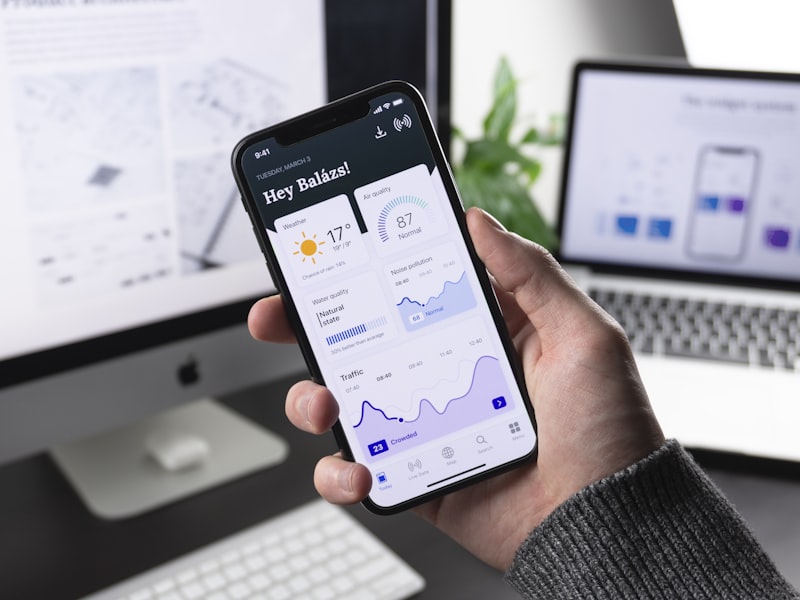
Users form opinions about your app within the first three seconds. A cold launch time over 2 seconds measurably increases uninstall rates. Memory pressure causes crashes. UI jank triggers one-star reviews.
Performance is not an afterthought — it is a retention lever. These are the optimizations with the highest impact-to-effort ratio across iOS and Android.
Cold Start Optimization
On iOS, minimize work in `application(_:didFinishLaunchingWithOptions:)`. Defer SDK initializations, analytics, and non-critical setup to after the first screen renders. Use background tasks for data prefetching so users see a populated UI, not a loading spinner.
On Android, use App Startup library to sequence `ContentProvider` initializations and defer heavy work to background threads. The Android Vitals dashboard in Play Console shows your launch time distribution across real devices — target under 1 second for warm starts.
Image and Asset Optimization
Images are the leading cause of memory spikes and scroll jank. Use WebP on Android and HEIC/HEIF on iOS for smaller file sizes without quality loss. Implement lazy loading in scroll views — only decode images as they approach the viewport.
For remote images, a caching library (Kingfisher on iOS, Coil on Android) handles disk caching, memory caching, and cancellation automatically. Never load full-resolution images into list thumbnails.
Memory Management and Leak Detection
Retain cycles in Swift (two objects holding strong references to each other) and context leaks in Kotlin (Activity references held by long-lived objects) are the most common memory issues. Use `[weak self]` in Swift closures and avoid passing Activity context to repositories.
Instrument memory with Xcode's Memory Graph Debugger (iOS) and Android Studio's Memory Profiler. Run LeakCanary in debug builds to catch leaks during development before they reach production.
Frame Rate and Rendering
60 fps means you have 16ms per frame. Any work on the main thread longer than 16ms causes dropped frames. Move image decoding, JSON parsing, and database queries to background threads. Profile with Xcode Instruments (Core Animation template) and Android's GPU rendering bars.
POINTNEXIS performance audits include a full profiling session on low-end devices — not just flagship hardware. Apps that run smoothly on a three-year-old mid-range phone retain users in price-sensitive markets where most of your audience lives.